NEEDО · PRODUCT SOURCING
How to Source a Hard-to-Find Product from a Photo, Sample or Part Number
A photo can show the shape of a product without proving its model, material, dimensions or compatibility. If you need an exact replacement, industrial component or discontinued item, the fastest useful step is to turn the image or sample into a structured brief before searching suppliers. This reduces the risk of buying a visually similar but incompatible item.
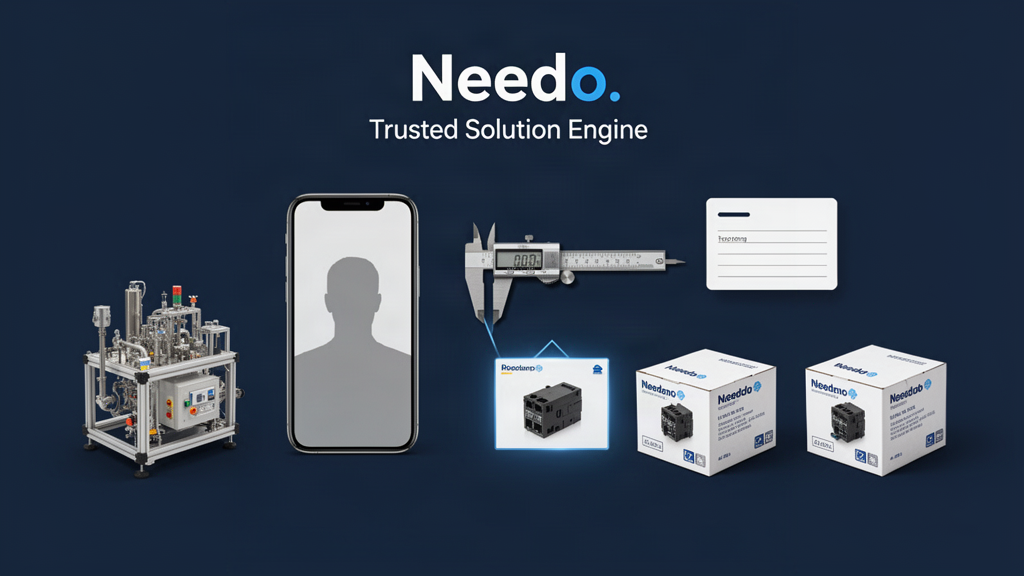
Capture the identifying details before searching
Photograph the item from several angles and include close-ups of labels, model numbers, maker marks, connectors, ports, fasteners and packaging. Add measurements with units and note the environment in which the item is used. For electrical or mechanical parts, record relevant ratings, thread types, voltage, material, fitment or compatibility information when known.
If a label contains a serial number, customer name or other sensitive identifier, share only what is needed for the search. Keep the original image and any manual, invoice or drawing available so uncertain details can be checked rather than guessed.
Evidence to collect
- Manufacturer, model, SKU or part number, if present
- Dimensions, material, colour and finish
- Connectors, mounting points, thread or interface details
- Voltage, rating, capacity or operating conditions where relevant
- Equipment model or product generation it must work with
- Quantity, condition, budget, delivery location and deadline
Separate an exact match from an acceptable substitute
Write down which properties must match and which can vary. An exact part number may be mandatory for a repair; a generic household item may allow a substitute if dimensions, performance and safety requirements remain satisfied. Do not let a search engine's visually similar result silently change the requirement.
If the original is discontinued, record the manufacturer and revision, then look for an official replacement, successor part or documented cross-reference. Treat a seller's “compatible” claim as a claim to verify against the equipment manual, manufacturer documentation or another credible source.
Use two explicit lists
- Must match: interface, dimensions, rating, safety requirement, model compatibility or required certification
- May vary: colour, packaging, brand or non-functional appearance—only when the user confirms flexibility
Create a supplier-ready sourcing brief
A supplier can answer more accurately when the request contains a clear identifier, intended use and buying constraints. Avoid sending only “find this” with an image if a missed dimension or version could make the item unusable.
Use this compact brief and mark unknown fields instead of inventing values.
Copy-ready brief
- Item and intended use: [what it is used for]
- Known identifiers: [brand, model, part number, barcode or markings]
- Required specification: [dimensions, material, rating, interface or standard]
- Exact match or substitute: [which is acceptable]
- Quantity and condition: [new, used, refurbished or any]
- Target budget and currency: [amount or range]
- Ship to and required-by date: [destination and timing]
- Evidence requested: [photos of actual stock, datasheet, manual, sample or compatibility confirmation]
Search with identifiers, not only image keywords
Search the exact model or part number first, then try a quoted identifier with the manufacturer name, dimensions, revision and common spelling variants. If the item has a barcode or GTIN, GS1's Verified by GS1 service can help look up the identifier and the organisation that assigned it when the record is available. A barcode lookup is an identification signal, not proof that a particular seller's stock is genuine.
Use manufacturer catalogues, product manuals, authorised-distributor listings and technical drawings where available. Broaden to adjacent terms only after preserving the original identifier, and label any result without a reliable identifier as a possible match rather than an exact one.
Search sequence
- Exact part number or model in quotation marks
- Manufacturer name plus identifier and revision
- Identifier plus dimensions or interface
- Official catalogue, manual or replacement cross-reference
- Distributors and specialist suppliers in the target region
- Similar alternatives only after must-match requirements are recorded
Compare offers on the same basis
Record whether each offer is an exact match, a documented replacement or merely visually similar. Then compare availability, quantity, unit and total price, MOQ, lead time, condition, return policy, warranty, seller evidence and delivery cost. Ask whether photos show the actual item or a catalogue image, and request the label or packaging evidence that matters for your product.
For international orders, clarify the named delivery place and agreed trade term instead of assuming that a price includes freight, insurance, customs handling or import costs. The ICC's Incoterms® guidance explains how responsibilities and risks vary by rule; confirm the appropriate term for the actual transaction.
Comparison columns
- Match type and evidence supporting identity
- Stock status and quantity available
- Condition, packaging and included accessories
- Price, currency, MOQ and extra charges
- Dispatch and delivery estimate
- Return, warranty and compatibility terms
- Seller identity and remaining verification questions
Verify before committing money or installing the part
Ask the seller to confirm the exact model, revision, condition and compatibility in writing. For a high-risk or expensive component, consider a sample, inspection or confirmation from the original manufacturer or qualified technician. Check the seller's business identity and payment instructions independently, and use the return or dispute protections appropriate to the purchase.
A search result, product photo or barcode does not by itself prove that the specific item offered is authentic, in stock or fit for your application. If a critical identifier is missing, pause and request evidence instead of choosing the closest-looking result.
Illustrative example: a replacement component
Suppose a maintenance team has a photo of a small valve but no readable part number. Rather than ordering the first similar listing, the team measures the ports, records the machine model and operating rating, and asks suppliers for the manufacturer code and a photo of the actual label. Offers are then separated into confirmed matches, documented equivalents and unverified lookalikes. The example is illustrative; the correct technical checks depend on the component and equipment.
This process makes the decision auditable: the team can see why an offer was shortlisted, which details were confirmed and what must still be checked before purchase.
Use Needo to turn the reference into a sourcing task
Needo can help structure the image or description into a brief, research candidate products and sellers, compare available evidence and highlight missing identifiers. Exact identity, current stock and compatibility should remain unverified unless the source evidence actually supports them.
Upload the photo or provide the model or part number, then include quantity, destination and any non-negotiable compatibility constraints. Review the match evidence before choosing a seller or approving a purchase.
Sources and further reading
- GS1 — Verified by GS1
Look up a GTIN, company or other GS1 identifier when one is available; a lookup does not authenticate a seller's particular stock.
- International Chamber of Commerce — Incoterms® Rules
Reference for understanding delivery responsibilities, costs and risks when comparing international offers.
Sources support the specific points noted above. Confirm current requirements for your product, destination and contract before committing.
Need the actual problem solved?
This guide explains the method. Needo can work from your specific requirement, compare relevant options, verify important details and help move the next step forward.
Start with your exact problem →Selling or exporting? See live buyer requirements by product · see a sample verified shortlist