NEEDО · IMPORT PROCUREMENT
How to Calculate Landed Cost for Imports: A Worksheet and Worked Example
A supplier's unit price is only one part of what an imported product may cost your business. To compare offers responsibly, build a landed-cost worksheet that records the goods value, transport, insurance, applicable duties and taxes, clearance charges and any delivery costs you choose to include. The exact customs valuation rules and tax base depend on the importing country, product classification and transaction. This guide gives you a repeatable worksheet—not a universal tariff calculator.
Define the destination and delivery basis first
Before adding numbers, record the importing country, product description, origin, destination, quantity and the delivery term in each supplier quote. Two quotes are not comparable if one includes international freight and another covers only collection at the factory. For international trade, record the exact Incoterms® rule and named place where relevant, then confirm which costs and risks the contract allocates to each party.
Do not assume the delivery term determines every customs tax calculation. The customs value and tax base are set by the importing jurisdiction's rules and the facts of the transaction. If classification, origin or valuation is uncertain, mark it as pending and obtain guidance from the relevant customs authority or a qualified customs broker.
Worksheet header
- Product, model or specification and quantity
- Country of origin and importing country
- Supplier quote currency and quote date
- Delivery term, named place and version if applicable
- Tariff classification and source, marked tentative if not confirmed
- Exchange rate source/date and who bears each cost
List every cost line instead of hiding it in one estimate
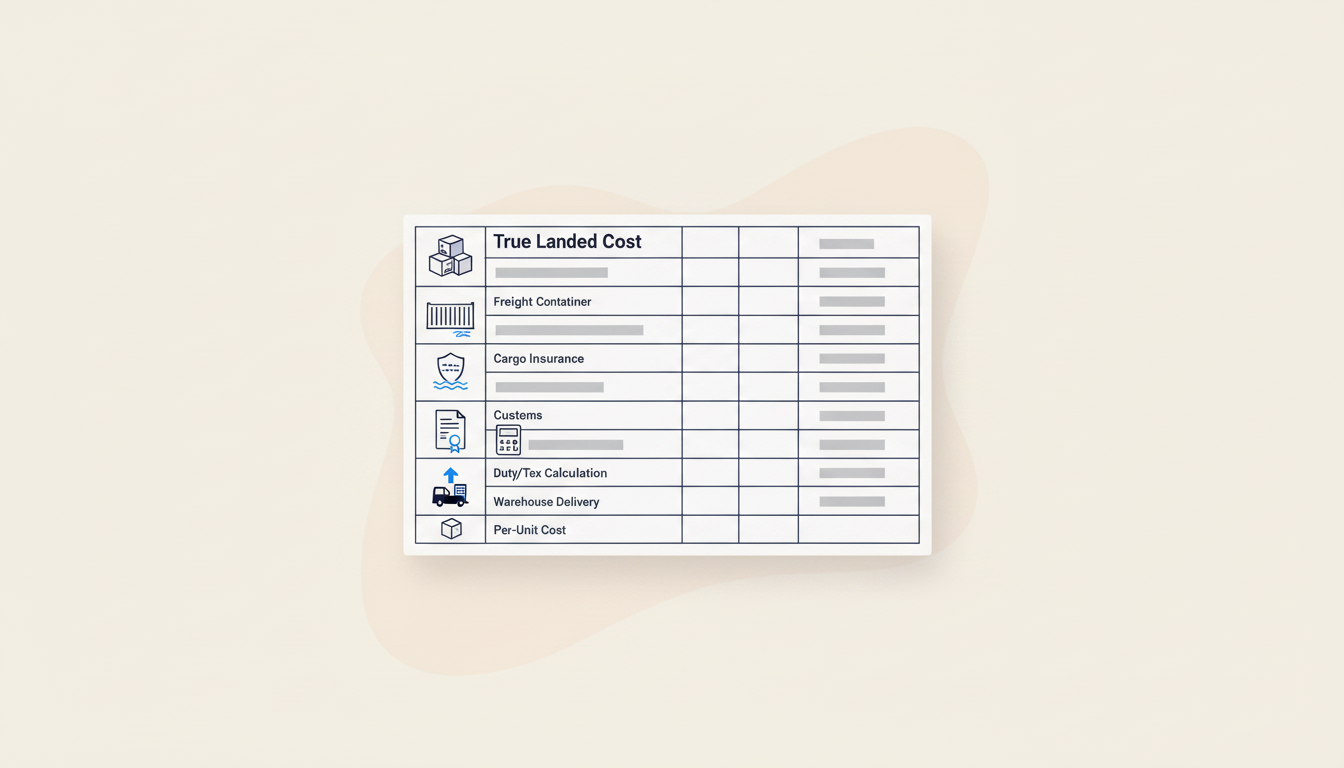
A useful worksheet separates costs that are quoted from costs that are estimated. Start with the goods total, then add freight, cargo insurance, customs duty, non-recoverable taxes where applicable, brokerage, port or terminal charges, inspection, inland delivery, packaging and payment or bank charges that belong in your chosen cost model. Some businesses also track warehousing and financing separately rather than treating them as border-clearance costs; be explicit about the boundary you use.
Avoid adding a fee twice. For example, if a freight quote already includes a handling charge, do not add the same charge again without checking the line-item detail. Keep each cost's source, currency, unit or shipment basis and validity date beside the number.
Suggested worksheet columns
- Cost item and whether it is included, excluded or pending
- Amount, currency and unit: per shipment, per unit or percentage
- Source document, provider and date checked
- Conversion rate and converted amount, if needed
- Confidence: quoted, calculated, estimated or unverified
- Notes on tax treatment or possible overlap
Calculate duty and tax from the correct official inputs
Do not apply a generic duty percentage to every import. The applicable rate may depend on classification, origin, preferential trade rules, product-specific measures and the destination's current tariff schedule. The U.S. Customs and Border Protection guidance explains that duty-rate research depends on the details provided and that the correct rate may require specialist review. Other countries have their own authorities and rules.
Keep duties, VAT/GST and other taxes on separate lines because their calculation bases and recoverability can differ. Some businesses can recover input tax subject to local rules; others may bear it as a cost. Do not silently treat a recoverable tax as a permanent landed cost, or exclude a non-recoverable tax from the business decision. Ask a qualified customs or tax professional when the amount is material or the treatment is uncertain.
Record the source for each rate
- Product classification and level of detail
- Origin and any preference or trade-agreement claim
- Official tariff or customs source and date checked
- Customs value basis confirmed for the destination
- Duty, VAT/GST and fees calculated separately
- Recoverable versus non-recoverable tax treatment confirmed
Worked example: keep the arithmetic separate from tariff assumptions
Illustrative worksheet only: suppose a shipment contains 500 units with a goods total of USD 10,000. A forwarder quotes USD 1,200 for freight and insurance is USD 100. For this example, assume a broker has separately confirmed a USD 600 duty amount for the specific shipment; this article does not infer a duty rate or tax base. Other quoted charges are USD 450 for brokerage and port handling, USD 300 for inland delivery, USD 150 for inspection and USD 50 for bank fees.
The example total is USD 12,850: 10,000 + 1,200 + 100 + 600 + 450 + 300 + 150 + 50. Dividing by 500 units gives USD 25.70 per unit under these stated assumptions. Add any applicable non-recoverable taxes or other costs that are not already included; remove costs that do not belong in your chosen model. Actual shipments can differ materially, and every input should be replaced with a current quote or confirmed assessment before committing.
Formula to use in the sheet
- Shipment total = sum of each included cost line after currency conversion
- Landed cost per unit = shipment total ÷ units received and usable
- Optional sensitivity = recalculate using a higher freight, exchange-rate or duty assumption
- Keep the original quote and the calculation version so changes can be audited
Compare supplier quotes on the same basis
For each supplier, use the same quantity, currency, destination, specification and delivery assumptions. If one quote is EXW, another is FOB and a third includes delivery, add the missing cost lines using current quotes or mark them unknown; do not rank the headline prices as if they were equivalent. The International Trade Administration's export-pricing guidance outlines the components that can affect the delivered cost and reminds businesses to check tariffs, taxes and other charges for the destination.
A spreadsheet cannot remove uncertainty that is missing from the inputs. If a supplier has not confirmed packaging, availability, freight responsibility or the quote's validity, show that gap in the comparison. A lower estimated cost with several unverified inputs may be a weaker decision than a slightly higher offer with clearer evidence.
Decision checks
- Are the specifications and quantities genuinely comparable?
- Are delivery term, named place and included charges explicit?
- Are duty and tax inputs tied to a current official or professional source?
- Are estimates separated from confirmed quotes?
- What happens to unit cost if freight, exchange rate or quantity changes?
- Which unknown must be resolved before purchase approval?
Refresh the worksheet before placing the order
Freight, currency rates, availability, tariff measures and local charges can change between the first comparison and the actual shipment. Record when each input was obtained and its expiry or validity date. Before placing the order, refresh material assumptions and confirm who is responsible for the cost or tax line under the agreed contract.
Needo can help structure the cost worksheet, compare offers and list the inputs still missing. Provide the quotes, quantity, origin, destination and delivery terms; review each source and calculation, and obtain specialist advice for classification, customs valuation or tax questions that require it.
Sources and further reading
- U.S. Department of Commerce — Determine Total Export Price
Explains the components that can contribute to a delivered or landed price and why destination tariffs, taxes and other fees need to be considered.
- U.S. Customs and Border Protection — How to determine the duty rate
U.S.-specific guidance noting that the correct duty rate depends on the details of the imported goods and may require specialist classification support.
- International Chamber of Commerce — Incoterms® Rules
Reference for delivery responsibilities, costs and risks; use the exact rule and named place agreed for the transaction.
Sources support the specific points noted above. Confirm current requirements for your product, destination and contract before committing.
Need the actual problem solved?
This guide explains the method. Needo can work from your specific requirement, compare relevant options, verify important details and help move the next step forward.
Start with your exact problem →Selling or exporting? See live buyer requirements by product · see a sample verified shortlist